
Book Store Management System
From the catalog to the cart, on the desktop.
Fork · ELJoOker2004 / Book_Store_Managment_System
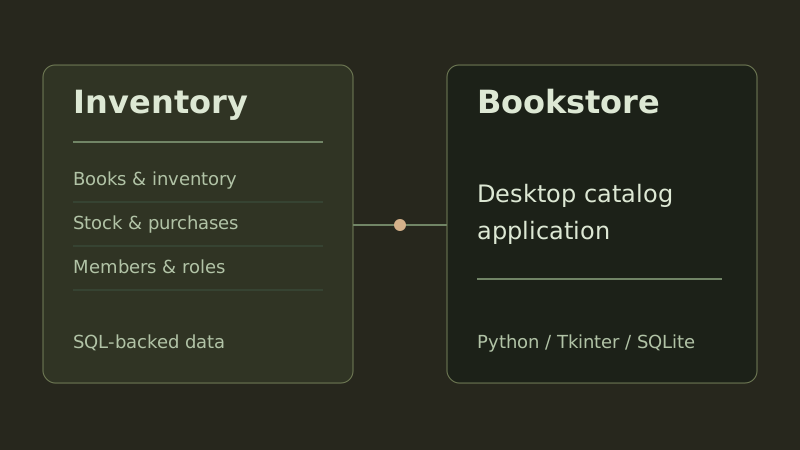
Python · Tkinter · ttkbootstrap · SQLite
View repositoryThe idea
I forked ELJoOker2004’s desktop bookstore and followed a book from the catalog to checkout. The number beside a title in the Tkinter window comes from SQLite, and that same inventory record changes when a copy leaves the store.
Two views of one catalog
Where the stock count lives
I started with the quantity beside a book cover. The catalog reads it from the books table along with the title and artwork. Editing inventory changes the row that the catalog reads next time.
- The book ID stays with the item as it moves into the cart.
- The stock helper checks the available quantity before decrementing it.
- The admin view can update a title, cover, description and quantity.

A closer look at the code
Loading the catalog
I followed the catalog view to the helper that reads every book in a single query. From db_functions.py.
def get_books():
    conn = sqlite3.connect('book_store.db')
    c = conn.cursor()
    c.execute("SELECT id,name, cover, quantity,author,descreption FROM books")
    books = c.fetchall()
    conn.close()
    return books
Scope & practical notes
- This is a local desktop application backed by a SQLite file.
Project credits
This repository is a fork of ELJoOker2004 / Book_Store_Managment_System. The upstream authors retain credit for the original application.